How to download QHDTV new version apk on android tv box?

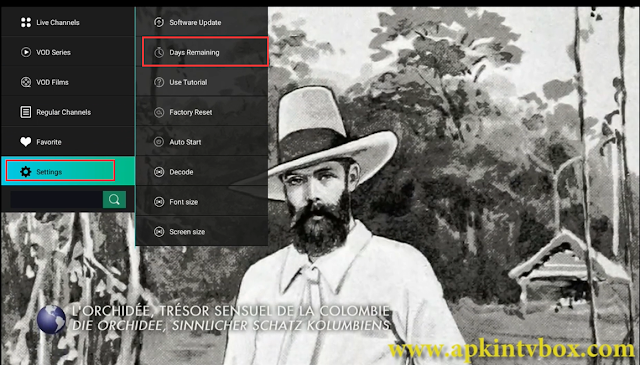
Now QHDTV released new version apk--QURTV with better user experience. Please follow the steps below to install it on android tv box. 1. Open the website link on tv by Browser: https://www.apkintvbox.com/ 2. Then click ACCESSORIES---Apps---QURTV | QHDTV Tutorial 3. Then click Download; 4. Then back to tv apps, click Filebrowser--find Download file and find the apk just download to install directly. We offer free trial to check in detail. Email: info@apkintvbox.com WhatsApp/Skype/Viber: +86 176 8876 8267